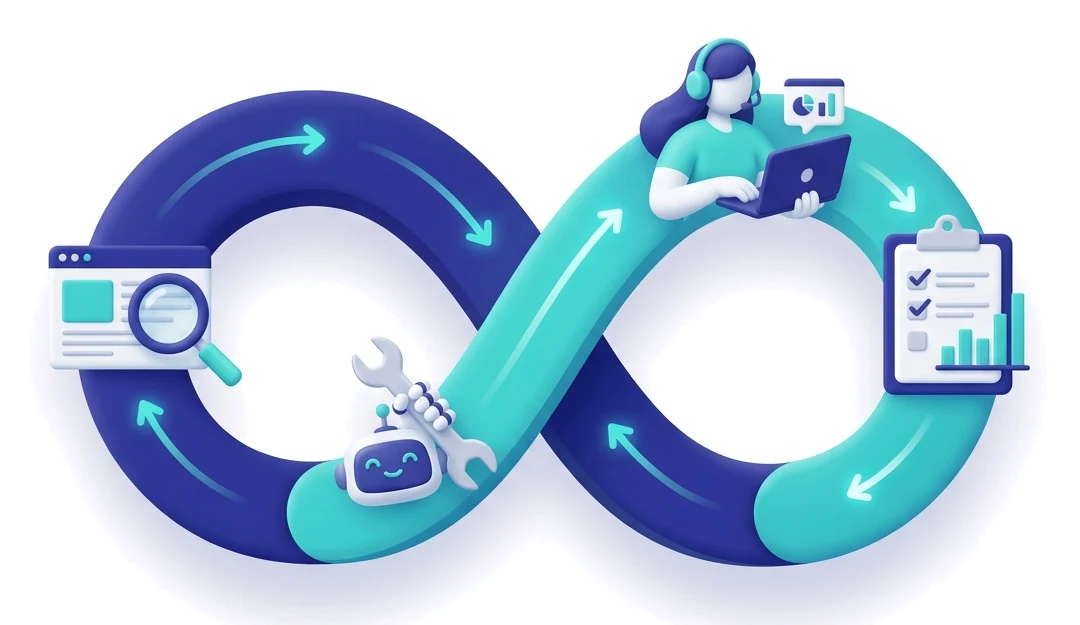
Stage 1 of 4
Scan
The scanner crawls your site through its sitemap and links, then tests every page against WCAG 2.1 and 2.2 success criteria at levels A, AA and AAA.
- When
- On demand, plus a scheduled monthly scan
- What it checks
- Alt text, headings, form labels, colour contrast, keyboard focus, ARIA, target sizes and more
- What you get
- Every issue with its WCAG criterion, the affected element, the page and its level
Automated scanning finds roughly 30–40% of WCAG issues. The rest need people, which is what stage 3 is for.
Stage 2 of 4
Remediate
Issues flow into a remediation queue. You assign them to team members, and AI suggests specific code changes for alt text, contrast and heading structure.
- Who decides
- Your team. Nothing changes on your site until someone approves it.
- What AI does
- Suggests a concrete fix for each issue group instead of generic advice
- Plans
- AI fix suggestions come with Pro, using the AI credit-pool add-on
Stage 3 of 4
Review
Some questions only a person can answer. Incluxa organizes these for manual evaluation so they don't get lost.
- Is the alt text meaningful in context, not just present?
- Does the reading order make sense to a screen reader user?
- Do custom widgets work with assistive technologies?
- Are error messages actually helpful?
We recommend testing with real screen readers, switch access and voice control, including testing by people with disabilities.
Stage 4 of 4
Report
Each scan is compared with the last one, so you can see what was fixed and what's new. When someone asks for proof of your work, it's ready.
- Progress
- Scan-to-scan comparison and issues per page over time
- Documents
- VPAT-format snapshots, accessibility statements and audit history
- Who it's for
- Legal, procurement and your own leadership
Then the next scan starts, and the loop begins again.